Sensor Calibration
Correct calibration of the Capacitive Soil Moisture Sensor
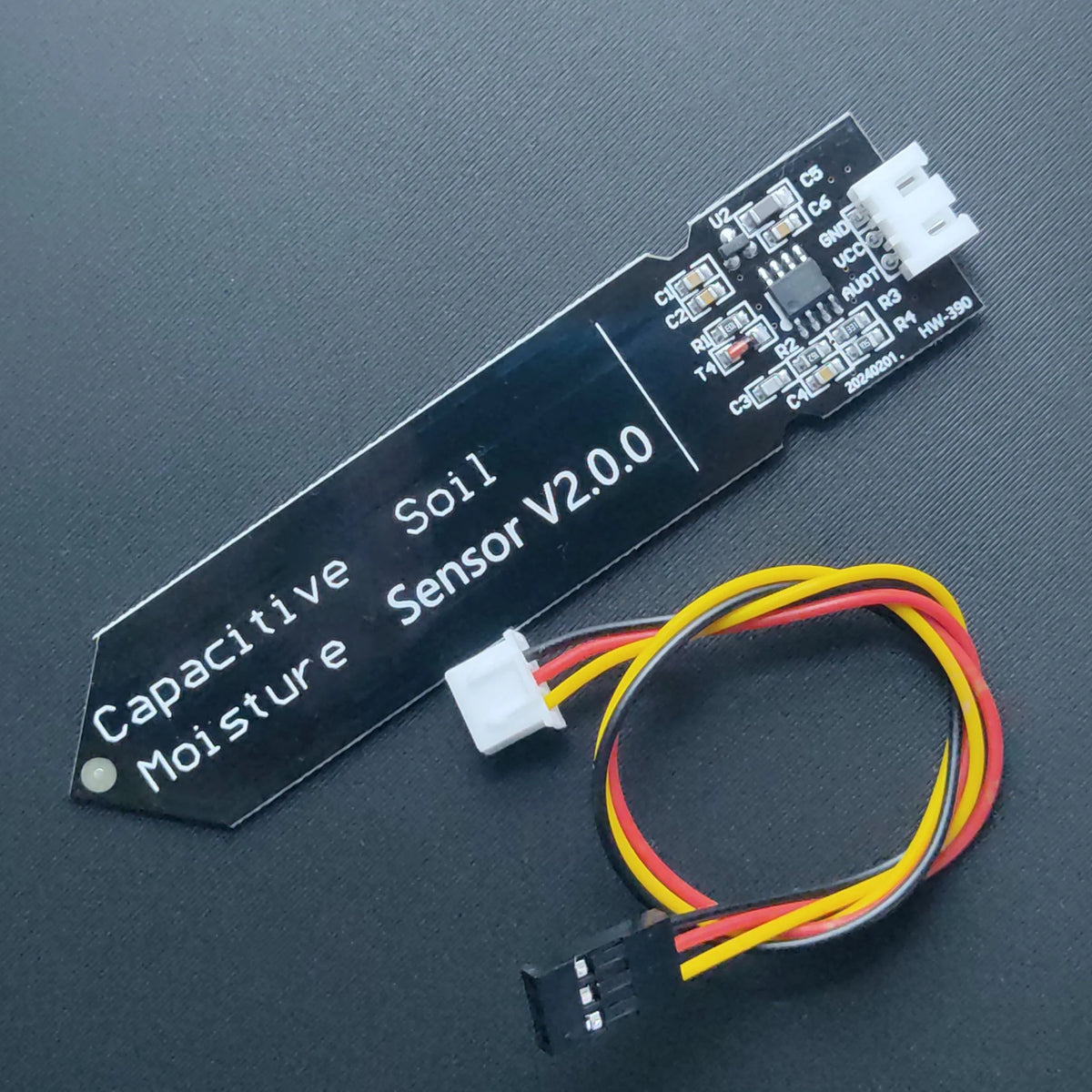 is essential for predictable watering.
On this sensor type, higher ADC
is essential for predictable watering.
On this sensor type, higher ADC
This page shows a simple procedure to determine realistic thresholds for your soil and pot.
0. Prepare the system
Install a proper IDE (e.g. Thonny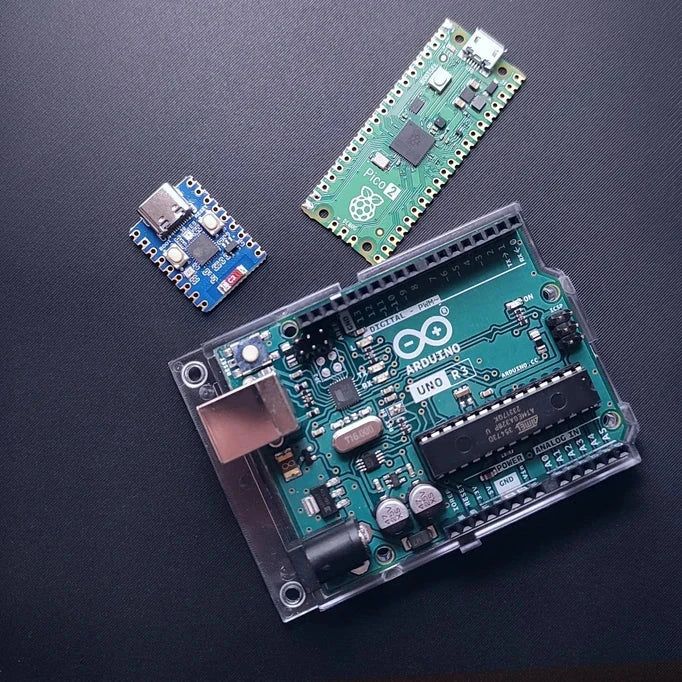 .
.
1. Connect the sensor
Wire the sensor to the Development board of choice:
- VCC → 3.3 V or 5 V (according to sensor rating)
- GND → GND
- OUT → ADCAnalog-to-Digital Converter - converts analog voltages into digital values that microcontrollers can read.input (refer to the GPIO pinout for the board you are using)
Make sure the firmware is not running yet so you can use the REPL
⚠️ Before plugging in the Development board make sure the valve is disconnected, since accidental current surge may damage your computer!
2. Run a simple ADCAnalog-to-Digital Converter - converts analog voltages into digital values that microcontrollers can read. test script
Use this short script in the MicroPython
from machine import Pin, ADC
from time import sleep

adc = ADC(Pin(26)) # Change this to the GPIO pin connected to the sensor

while True:
print(adc.read_u16())
sleep(1)
3. Record values for different conditions
Measure and note the ADC
- In air (probe not touching anything)
- Dry soil (inserted in your pot, soil as dry as you consider acceptable)
- Wet soil (after watering the pot thoroughly and letting water soak in)
You will typically see something like this (example only):
| Condition | Example ADC Analog-to-Digital Converter - converts analog voltages into digital values that microcontrollers can read. value |
|---|---|
| Air | ~50 000 |
| Dry soil | ~31 500 |
| Wet soil | ~23 000 |
Your values will differ; what matters is the relative spacing.
4. Choose thresholds
Use the dry and wet readings to set two thresholds:
DRY_THRESHOLD- above this value, the soil is considered too dry → watering starts.WET_THRESHOLD- below this value, the soil is considered wet enough → watering stops.
Example based on the table above:
DRY_THRESHOLD = 30000WET_THRESHOLD = 25000
This gives some Hysteresis
Edit these constants in your main.py file and redeploy it to the board.
5. Verify in real use
Let the system run for a few days and watch:
- How often it waters
- Whether the soil is staying too wet or too dry
- The printed ADCAnalog-to-Digital Converter - converts analog voltages into digital values that microcontrollers can read.values around each watering event
Fine-tune DRY_THRESHOLD, WET_THRESHOLD, WATER_TIME_SEC and MEASURE_INTERVAL until it behaves the way you want for that plant and soil.